Important: The Admission Module and Enrollment Module are different.
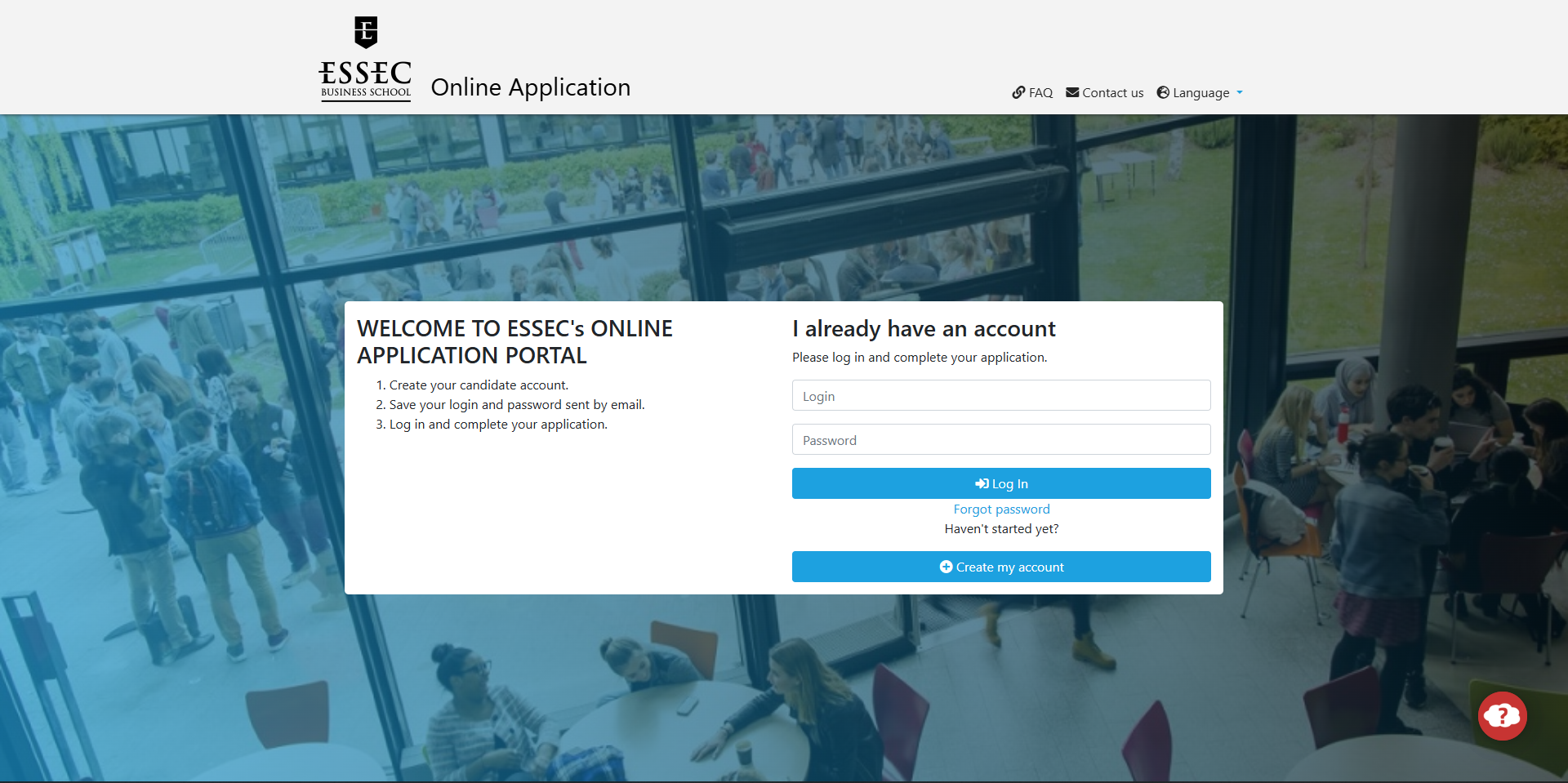
- Admission Module: Labeled "Application" (lighter blue).
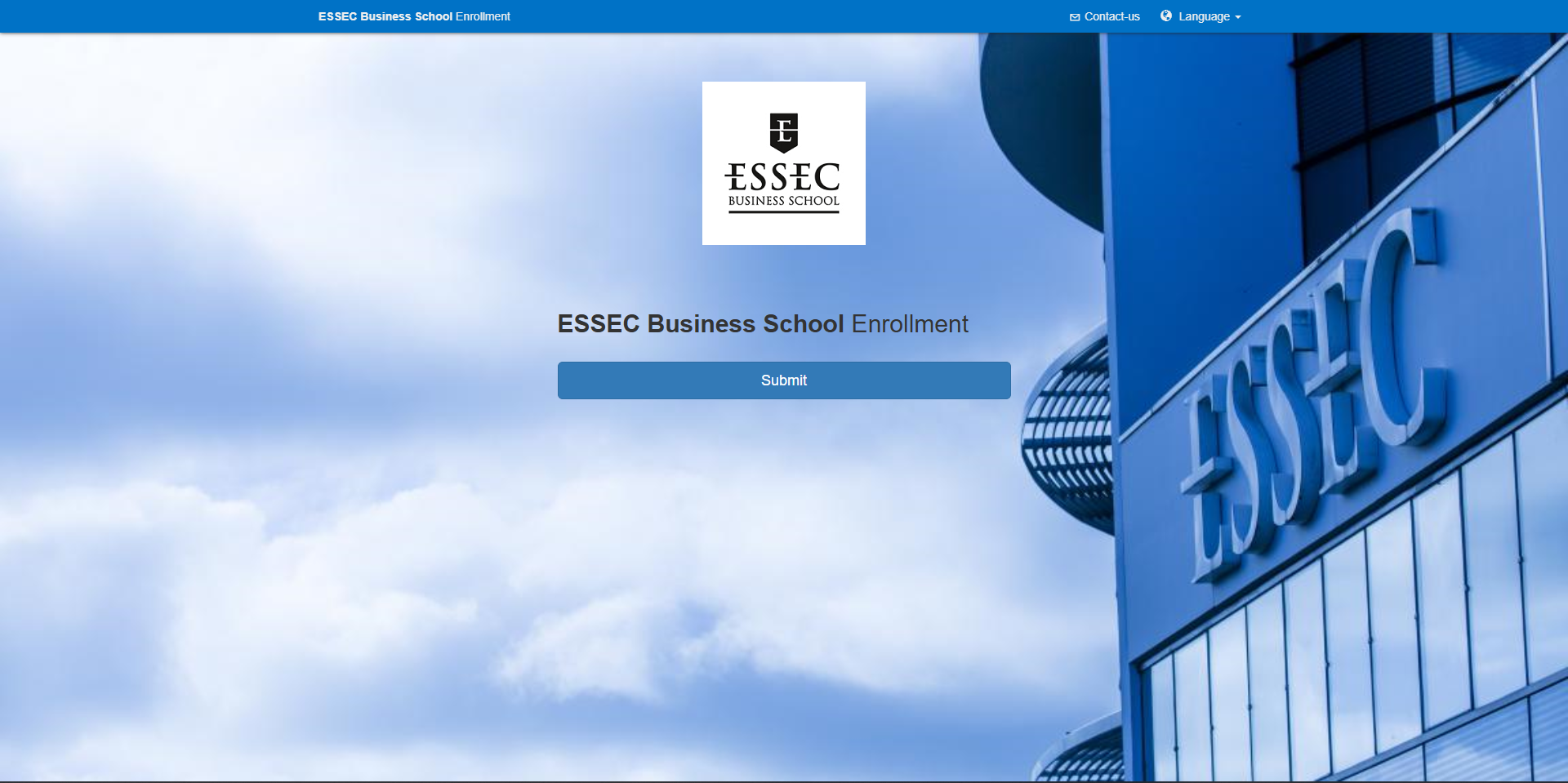
- Enrollment Module: Labeled "Inscription" (darker blue).
Admission Module (Handled by the Admissions Department)
Before Deposit Payment:
- After admission, an acceptance certificate (stating the deposit amount) will be available on the Application Portal.
After Deposit Payment:
- Log in to Application Portal using your ESSEC BID (B00****) and new password** (not your personal email).
- Download your , which confirms:
- Deposit payment
- Program start date (required for visa applications).
Need a Paper Copy?
- No hard copy is sent automatically.
- To request one, use the "Contact Us" feature on Essec.myapply.online and provide:
- Full postal address
- Valid mobile number (with country/area code).
Enrollment Module (Handled by the Registrar’s Office)
After Deposit Payment:
- The Registrar’s Office will invite you to complete your online administrative enrollment on MyRegistrar.
- Upload:
- Copy of your passport
- Birth certificate (in French or English, with ).
After Enrollment Validation:
- Once you receive the email "Enrollment File Completed," you’ll gain access to MyRegistrar.
- In the My Documents section, download your enrollment certificate (stamped by the Registrar).
- You can then pay tuition fees by bank card (, but full payment is due by August 31—or July 23 for Global MBA students).
Was this article helpful?
That’s Great!
Thank you for your feedback
Sorry! We couldn't be helpful
Thank you for your feedback
Feedback sent
We appreciate your effort and will try to fix the article