From the registrar intranet,
https://essec.myintranet.online/
Students can download the ESSEC account statement, available in "My Documents", either for the duration of the basic package of their course (which does not include repeat years nor additional years) or for the current school year, see screenshots below. For security reasons and to avoid identity theft, the Office of the Registrar will let you access your own document using the secured MyRegistrar platform, rather than sending it to any requester by email.
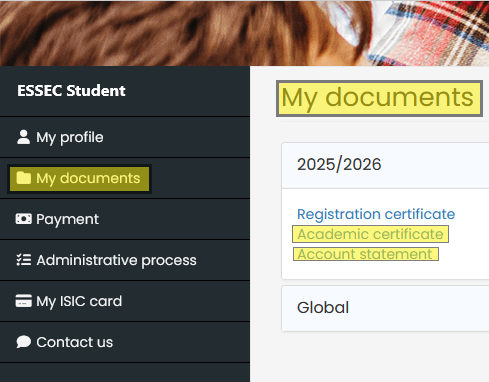
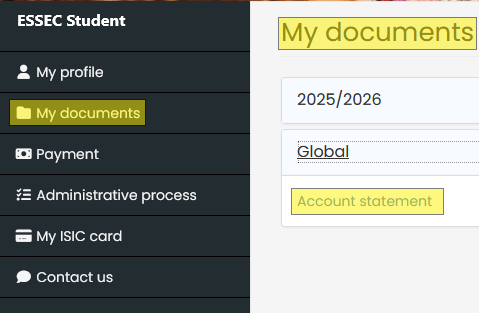
This statement displays
- details of tuition fees
- payments already made by students and registered by ESSEC Accounting
- expected payments from students
- the possible deductions (scholarships, discounts) per school year, with dates, methods of payments selected by students during online enrollment.
If you are a parent or a third party payor, ensure that you ask the student for this document as regularly as possible.
This statement is refreshed after each payment. See our FAQ on dates of payment that explains how to make multiple payments as long as the total due amount for the year is received by the deadline.
- If you made a payment by bank card, see our FAQ Online payment by bank card
- If you made a payment by bank transfer, see our FAQ on I pay by bank transfer, why can't I see it immediately in "registered payments" ?
Was this article helpful?
That’s Great!
Thank you for your feedback
Sorry! We couldn't be helpful
Thank you for your feedback
Feedback sent
We appreciate your effort and will try to fix the article