If you had a technical problem while obtaining the CVEC (receiving the receipt of the payment, but not the certificate, non-recognition or lost login details...), here are the steps to take to obtain your CVEC certificate:
- Please log into your account on the CROUS website: https://www.messervices.etudiant.gouv.fr/
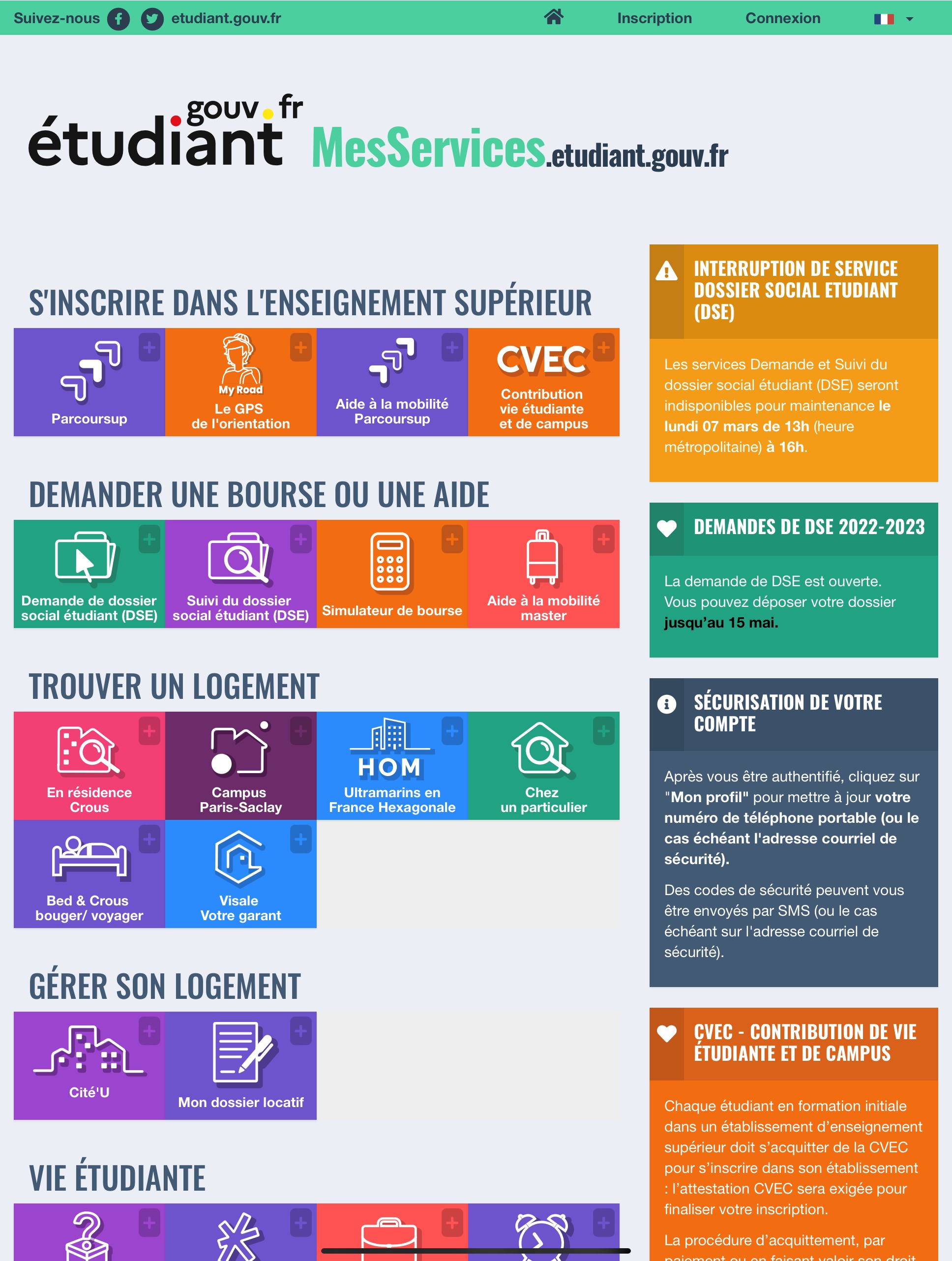
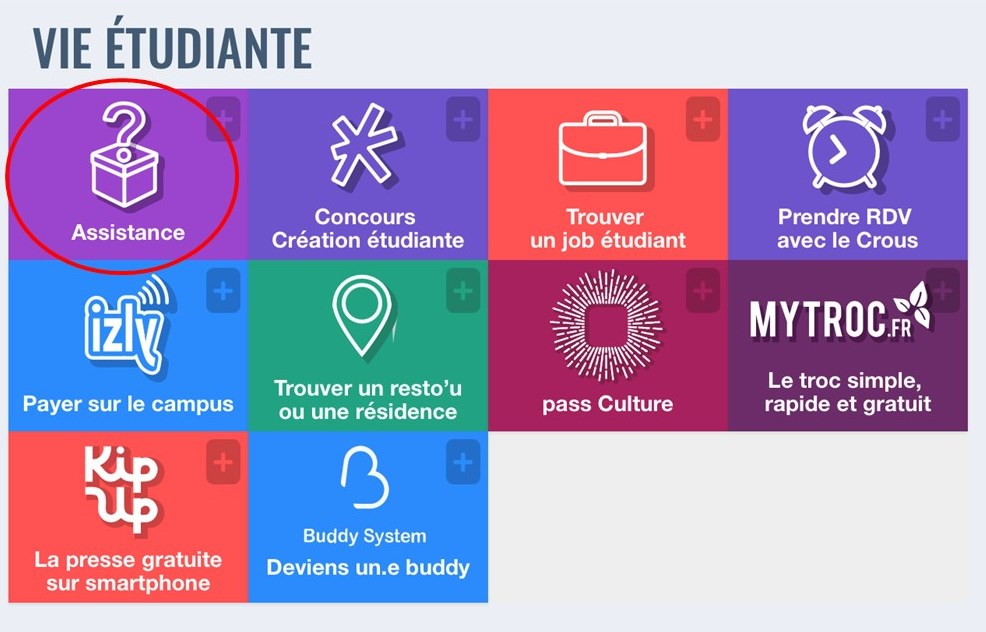
- On the home page, scroll down to the menu “VIE ETUDIANTE” and click on “Assistance”:
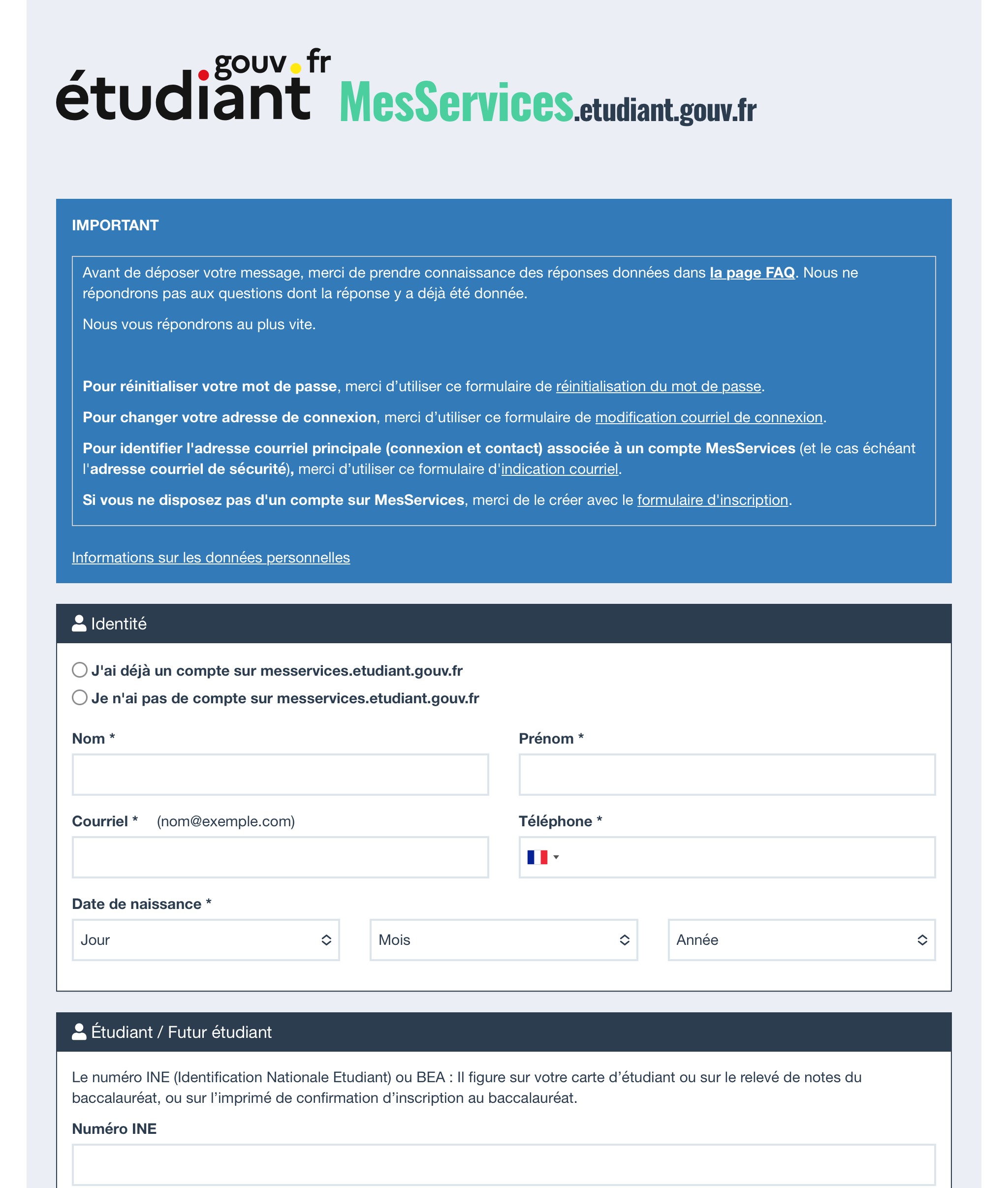
- Then you need to fill out the form:
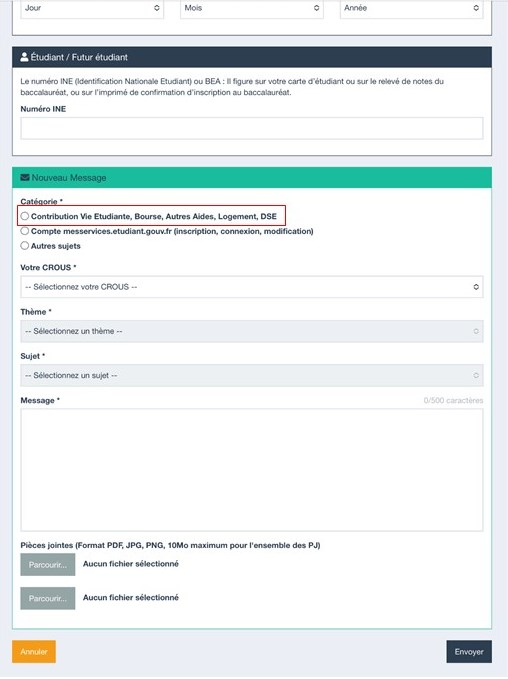
- Under “New Message”, please select the 1st category, “Contribution Vie Etudiante…”
- Finally, you can write the message to CROUS and click on “Envoyer”.
Once you have obtained your CVEC certificate, please upload it to your intranet.
Was this article helpful?
That’s Great!
Thank you for your feedback
Sorry! We couldn't be helpful
Thank you for your feedback
Feedback sent
We appreciate your effort and will try to fix the article